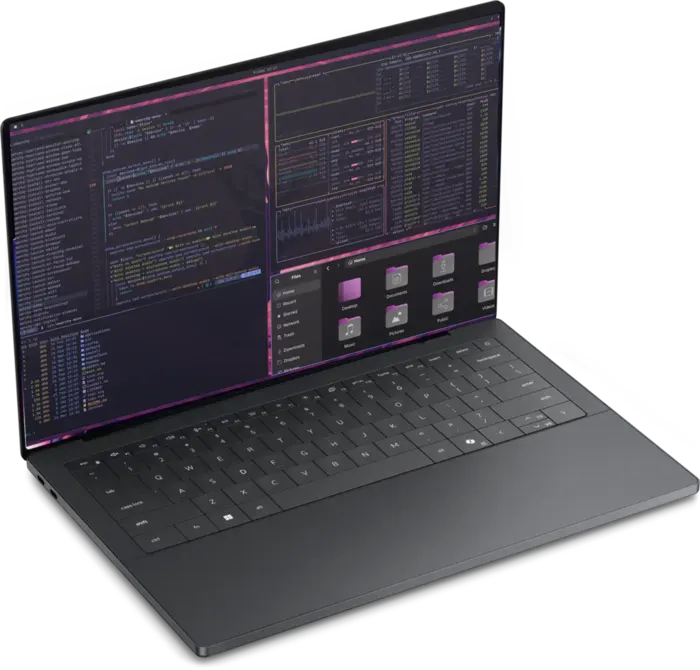
The console for remote agents and cloud gaming.
- Processor
- Core 5 320 or Core Ultra 7 355
- Graphics
- Intel Graphics
- Memory
- 8GB or 16GB
- Storage
- 512GB or 1TB SSD
- Display
- 13.4" 2.5K IPS, 120Hz, touch
A machine for the age of agents, an operating system for the malleable computer. The XPS 13 is the console for remote agents, server-side builds and cloud gaming. The XPS 14 and 16 are the all-in-ones that run your agents, play AAA games and compile the Linux kernel. All three ship with Omarchy.
The console for remote agents and cloud gaming.
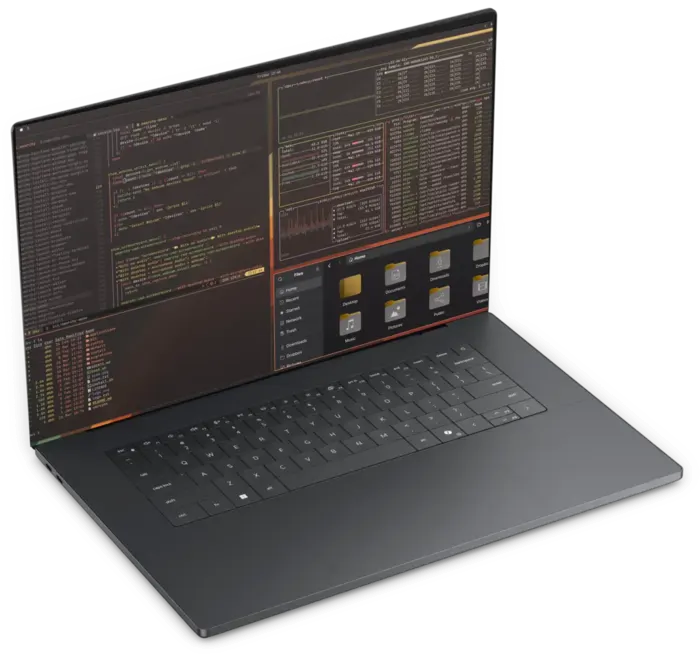
The all-in-one: agents, AAA games, kernel builds.
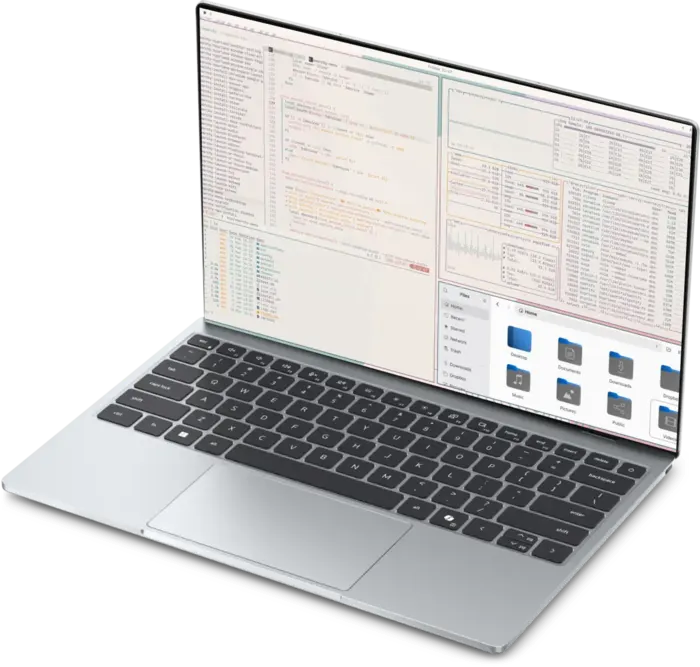
The all-in-one, with the big screen.
Intel's new Core Ultra chips sip power when they idle and race when they don't. Independent reviewers ran every XPS flat. These are their numbers.
Independent rundown tests, each lab's own method. Notebookcheck: Wi-Fi browsing at 150 nits, XPS 14 with Core Ultra X7 358H and OLED. Tom's Guide: continuous web surfing over Wi-Fi, XPS 13 with Core 5 320. Tom's Hardware: browsing, OpenGL and video streaming at 150 nits, XPS 16 with OLED. Your battery life will vary with settings and use.
The XPS 14 and 16 are the all-in-ones. Sixteen CPU cores run your agents and chew through a Linux kernel build. Intel Arc B390, the biggest graphics Intel has ever built into a laptop chip, plays recent AAA games at 1080p with gaming-laptop frame rates, without the gaming-laptop bulk, fan noise or power brick.
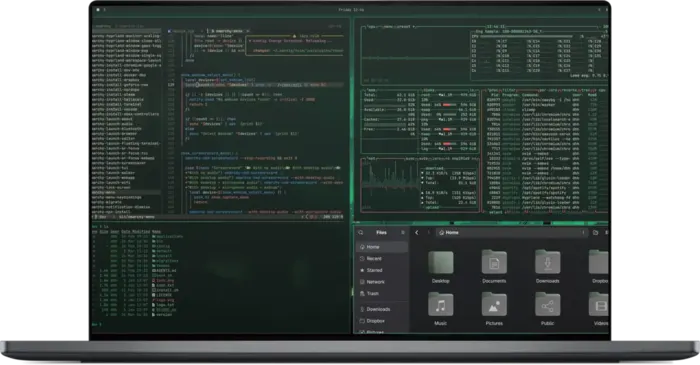
Average frame rates measured by Tom's Hardware on a Core Ultra X9 388H reference laptop with Arc B390, with XeSS upscaling (Balanced, or Quality for Baldur's Gate 3 and Spider-Man 2). 1080p except Baldur's Gate 3 at 1200p. These are not XPS or Omarchy results; performance on an XPS running Omarchy will differ.
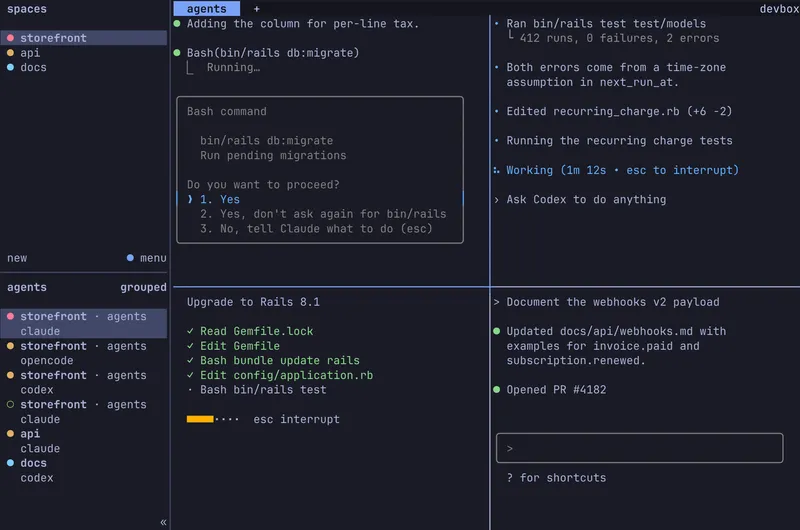
When the heavy lifting happens on a server, the laptop's job is the screen, the keyboard and the battery. The XPS 13 nails all three. Steer your agents on a remote box with herdr, Omarchy's terminal workspace for coding agents. Run kernel and app builds server-side over SSH. Stream AAA games from GeForce NOW and Xbox Game Pass. 8GB is plenty; take 16GB if you live in tabs.
Every XPS refreshes at up to 120Hz, so scrolling, typing and games feel glued to your fingers. The XPS 14 and 16 go further with tandem OLED: two light-emitting layers stacked on top of each other, for perfect blacks, rich color and a panel built to last.
A regular OLED has one light-emitting layer. Tandem OLED stacks two and drives them together, so each works half as hard for the same brightness. The panel runs more efficiently and ages more slowly, and every pixel still switches fully off for true black.
Twice the frames of a 60Hz laptop: smoother scrolling, crisper motion and lower latency in games. When nothing on screen is moving, the OLED panels drop to 20Hz and the XPS 13 to 30Hz to save battery.
CNC-machined aluminum, glass wherever your hands land, and profiles thinner than anything Dell has made at this size. The XPS 16 even has the smallest footprint of any 16-inch laptop Dell measured.
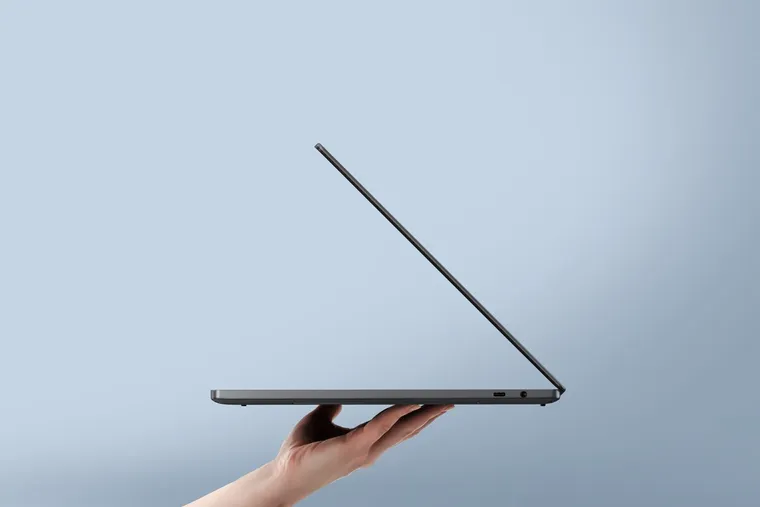
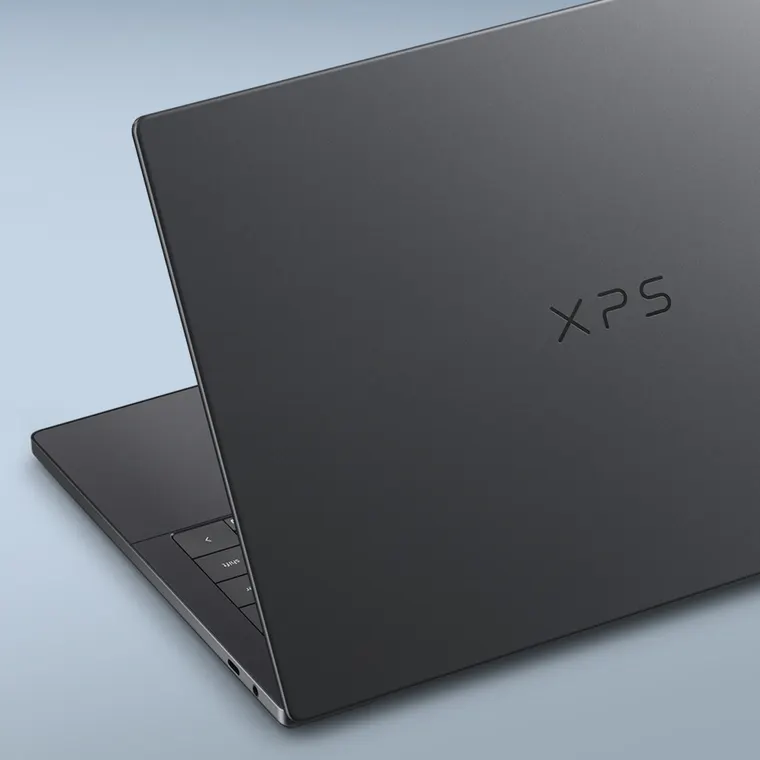
Each chassis is carved from a solid block of aluminum. No flex, no creak, no plastic trim.
Gorilla Glass over the display and a seamless glass palm rest with a haptic touchpad that clicks anywhere.
A refined zero-lattice keyboard with crisp feedback, stable keys and a real row of physical function keys.
Pressure-tested to 20 kg, dropped from 18 inches at every angle, and put through 1,200 backpack-height micro-drops.
Dimensions and weights from Dell, OLED models for XPS 14 and 16. "Thinnest" means Dell's thinnest 14- and 16-inch laptops; footprint compared by Dell against 64 other 16-inch laptops. Durability testing by Dell on the XPS 14.
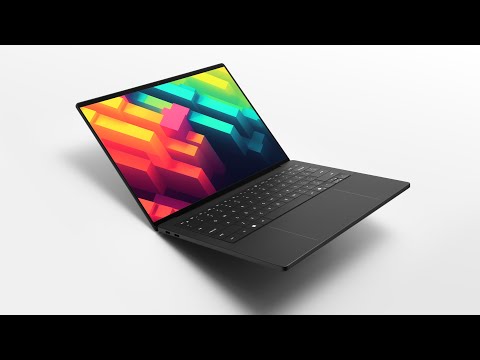
The reviewers you already trust spent weeks with the new XPS. Press play.
 Watch
The New Dell XPS - It's Back and SO MUCH Better!
Watch
The New Dell XPS - It's Back and SO MUCH Better!
 Watch
This Is All the Laptop Most People Need - Dell XPS 13
Watch
This Is All the Laptop Most People Need - Dell XPS 13
 Watch
DELL XPS 2026: the BEST XPS in Years
Watch
DELL XPS 2026: the BEST XPS in Years
 Watch
Dell Finally Did It… The XPS 13 Is Fantastic!
Watch
Dell Finally Did It… The XPS 13 Is Fantastic!
 Watch
Is Dell's Best XPS Enough? XPS 14 2026 Review
Watch
Is Dell's Best XPS Enough? XPS 14 2026 Review
 Watch
The Truth About the New XPS (Unpaid Review)
Watch
The Truth About the New XPS (Unpaid Review)
 Watch
Dell XPS Review [2026] - Back from the Dead
Watch
Dell XPS Review [2026] - Back from the Dead
 Watch
Dell XPS 16 (2026) Review: A Luxury Laptop With Just Enough Computing Power
Watch
Dell XPS 16 (2026) Review: A Luxury Laptop With Just Enough Computing Power
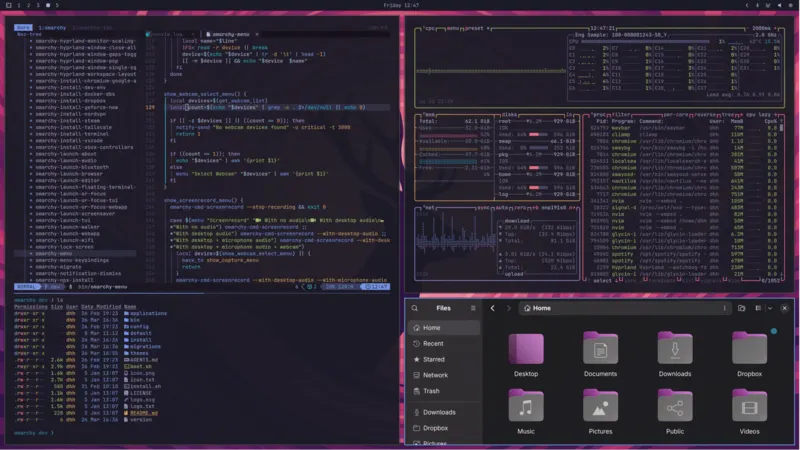
Linux used to be a chore to set up, difficult to debug and full of confusing upfront choices. Omarchy solves all of it: it arrives installed and tuned for your XPS, agents debug any issue, and fantastic defaults give you a system that looks amazing out of the box.
Your agent has the tools and skills to understand and repair the whole system, so nothing stays broken.
A theme restyles the whole system at once: terminal, bar, notifications, wallpaper.
Thousands of community plugins. Don't find what you need? Put your agent on the job, then share it.
Kernel, power management, display scaling and the touchpad are set up for the exact machine you ordered.